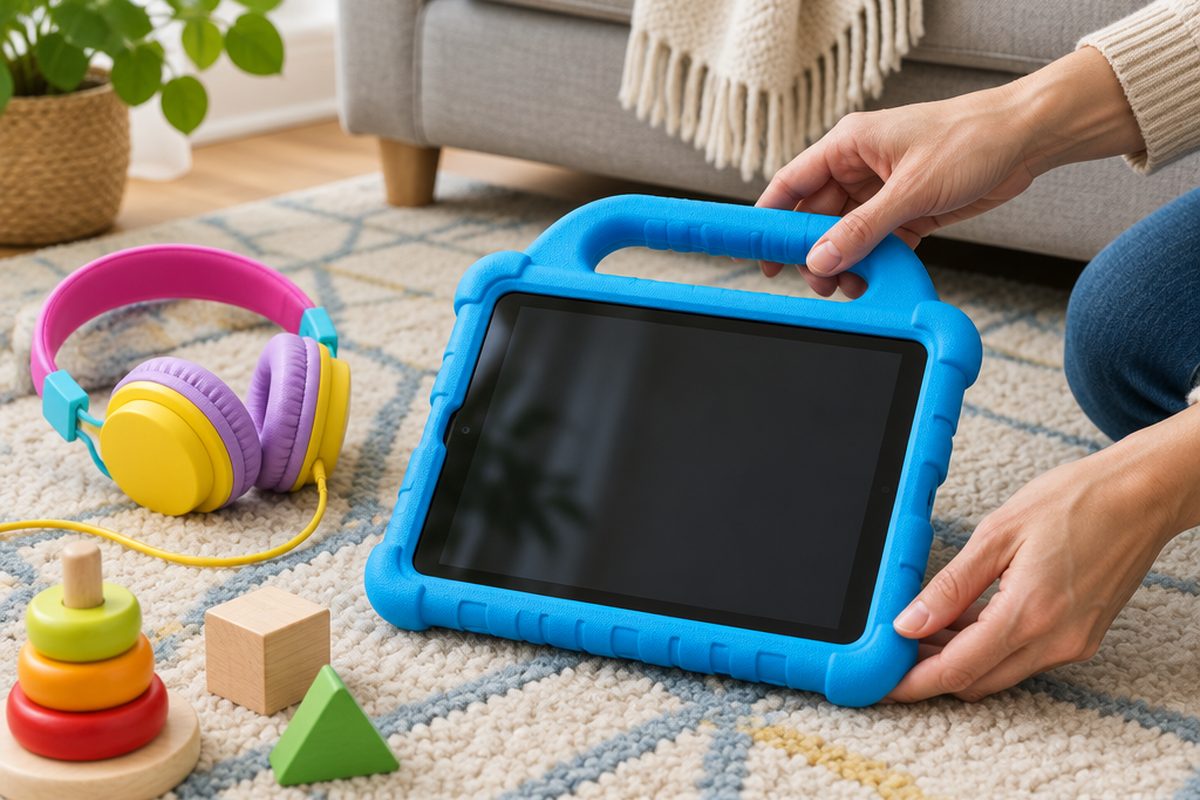
A tablet handed over straight from the box is set up for an adult: open web browser, app store with your card attached, no time limits. An hour of setup before your child ever sees it avoids most of the problems parents run into later. Do it the evening before, not on the morning of a birthday.
As an Amazon Associate I earn from qualifying purchases. The buttons below go to Amazon, and I may earn a commission if you buy, at no extra cost to you.
The kit you need
Tablet
A tablet made for children comes with a tough case and parental controls built in. A standard tablet handed down from an adult works just as well once it is reset.
Our pick: Samsung Galaxy Tab A11 Kids Edition
Shockproof case with handle
The single best protection for a tablet that will be dropped. Check it is made for your exact tablet model.
Tempered glass screen protector
Cheap to replace when it cracks, unlike the screen underneath.
Volume-limited children's headphones
Limited to around 85 decibels to protect young hearing, and sized for smaller heads.
Our pick: iClever BTH12 Kids Headphones
Long charging cableoptional
Lets the tablet charge overnight outside the bedroom, which is a useful rule to start from day one.
Step by step
Reset a hand-me-down first
If the tablet belonged to someone else, sign them out and do a factory reset from the settings so none of their accounts, photos or saved cards remain.
Create a child account, not a copy of yours
During setup, choose the option to set the tablet up for a child. On an iPad this creates a child Apple Account inside Family Sharing. On Android it uses Google Family Link. On an Amazon Fire tablet you add a child profile. Enter the child's real date of birth, because the age filters depend on it.
Require approval for apps and purchases
Turn on the setting that sends every app download and purchase to your phone for approval. On Apple devices this is called Ask to Buy. Remove any payment card from the child's account.
Set screen time limits and a bedtime
Set a daily limit and a downtime period overnight. It is far easier to start with limits and relax them than to add them after a month of unlimited use.
Filter the web and video
Switch on the content restrictions for the child's age and limit web browsing to approved sites for younger children. Install the children's versions of video apps instead of the full ones.
Fit the case and screen protector
Clean the screen, apply the protector slowly from one edge to push out bubbles, then fit the case. Pair the headphones and check the volume limit works.
Agree the rules together
Settings do not replace conversation. Agree where the tablet lives, where it charges overnight, and that they should tell you if they see something that worries them. Controls work best when your child knows what they are and why they are there.
Handy extras
Not essential, but people often pick these up at the same time.
- Tablet stand for the table
- Stylus for drawing apps
- Car headrest tablet holder
- microSD card for more storage
- Blue light screen protector
Common questions
Can my child turn the controls off?
Not without your password or PIN, as long as you set one they do not know and do not reuse the one for your own phone.
What age are these settings for?
The same tools cover toddlers to teenagers. What changes is how strict you set them. Revisit the settings each year as your child gets older.
Is a children's tablet better than a normal one?
Children's tablets are cheaper, tougher and simpler. A standard tablet lasts longer as the child grows and runs more apps. Either is fine with the right settings.
More guides
 How to set up mesh Wi-Fi to fix dead spots in your home45 minutesFix weak Wi-Fi upstairs or in the back room with a mesh system. What to buy, where to put each unit and how to set it up with your existing router.
 How to stop your TV buffering when you stream30 minutesFix a smart TV or streaming stick that keeps buffering. Work out whether the problem is the Wi-Fi or the TV, then fix it with a cable or a better stick.
 How to set up a home NAS to back up your photos automatically2 hoursSet up a two-drive NAS that backs up your phone photos and computer on its own, with a simple plan for an offsite copy.