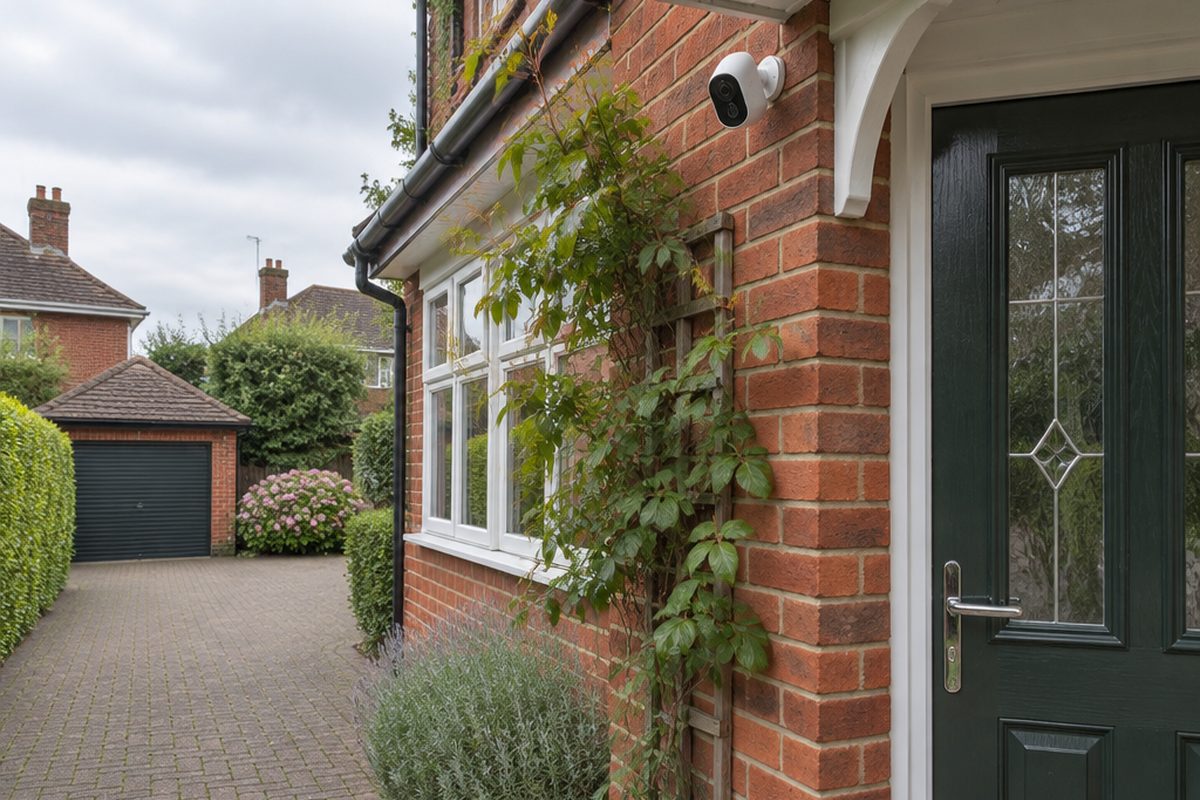
Many popular security cameras are cheap to buy and then charge a monthly fee to keep your recordings. You can avoid that entirely by choosing a camera that records to a memory card inside it. You still get alerts and live video on your phone, and the footage stays in your home rather than on someone else's server.
As an Amazon Associate I earn from qualifying purchases. The buttons below go to Amazon, and I may earn a commission if you buy, at no extra cost to you.
The kit you need
Security camera with local storage
Look for the words microSD or local storage in the description, and check that recording and playback work without a paid plan.
High endurance microSD card
Cameras write to the card constantly, which wears out ordinary cards. High endurance cards are made for this.
Outdoor weatherproof extension or junction boxoptional
For a wired outdoor camera, this keeps the plug connection dry. Not needed for battery or indoor cameras.
Our pick: IP68 Waterproof Junction Box
Solar panel for battery camerasoptional
Keeps a battery camera topped up so you are not climbing a ladder to recharge it. Check it matches your camera brand.
Step by step
Decide what you want to see
Pick one or two spots that matter, such as the front door, the drive or the back garden. A camera covering one entrance well is more useful than one trying to cover everything from too far away.
Check the Wi-Fi where it will go
Stand where the camera will be mounted and check your phone's Wi-Fi there. Most of these cameras use the 2.4GHz band, which reaches further than 5GHz. If the signal is poor, sort that first, or the video will keep dropping out.
Set the camera up indoors first
Insert the microSD card, power the camera on a table and add it in the maker's app. Format the card from the app when it asks. Setting up indoors means that if anything goes wrong, you are not on a ladder when it does.
Mount it high and angled down
Fix the camera around 2.5 to 3 metres up, angled down towards the area you care about. Avoid pointing it straight at the sun or at a bright light, which washes out the picture.
Tune the motion alerts
In the app, draw an activity zone that covers your own path or drive and leaves out the street. Turn on person detection if the camera has it. This cuts the alerts from passing cars and swaying trees down to the ones worth looking at.
Respect your neighbours' privacy
In the UK, if your camera captures anything beyond your own boundary, such as a neighbour's garden or the public pavement, data protection law applies to how you use the footage. The simplest approach is to angle the camera and set privacy masks so it only records your own property. The Information Commissioner's Office publishes plain guidance for home CCTV users.
Handy extras
Not essential, but people often pick these up at the same time.
- Indoor camera with local storage
- Video doorbell with no subscription
- Larger endurance memory card
- CCTV warning sign
- Battery camera with solar panel
Common questions
What happens if someone steals the camera?
The memory card goes with it, which is the main weakness of local storage. Some cameras can also save recordings to a base station or a NAS kept indoors, which solves this.
How long does a memory card hold?
It depends on the card size and whether the camera records all the time or only on motion. When the card fills up, the camera records over the oldest footage.
Battery or wired?
Wired cameras can record continuously and never need charging. Battery cameras are much easier to fit but only record when they detect movement.
More guides
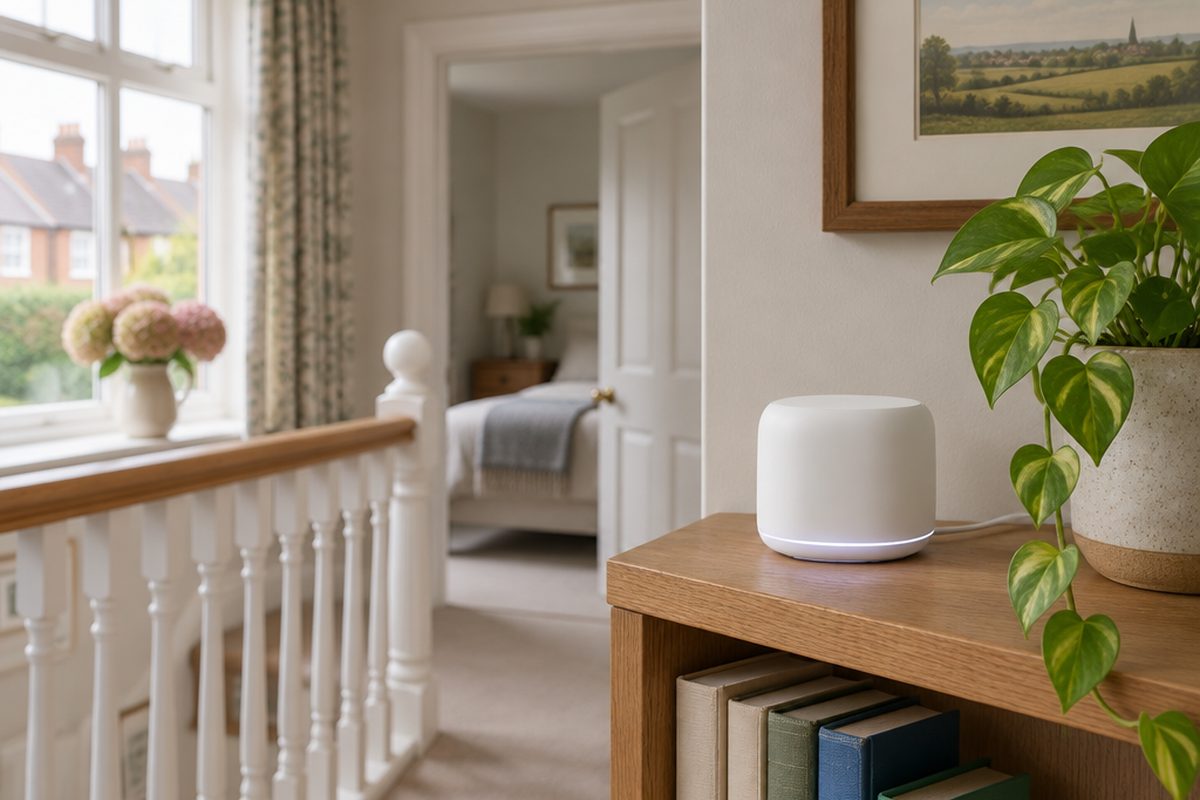 How to set up mesh Wi-Fi to fix dead spots in your home45 minutesFix weak Wi-Fi upstairs or in the back room with a mesh system. What to buy, where to put each unit and how to set it up with your existing router.
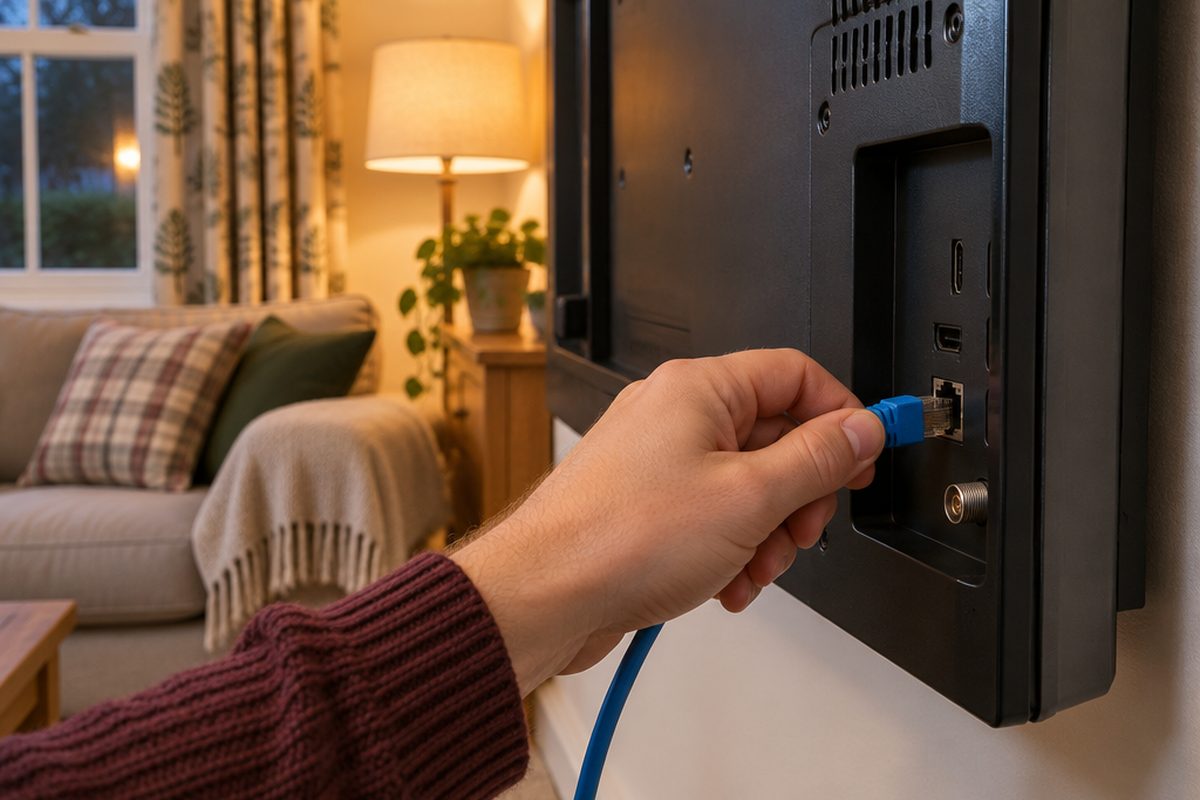 How to stop your TV buffering when you stream30 minutesFix a smart TV or streaming stick that keeps buffering. Work out whether the problem is the Wi-Fi or the TV, then fix it with a cable or a better stick.
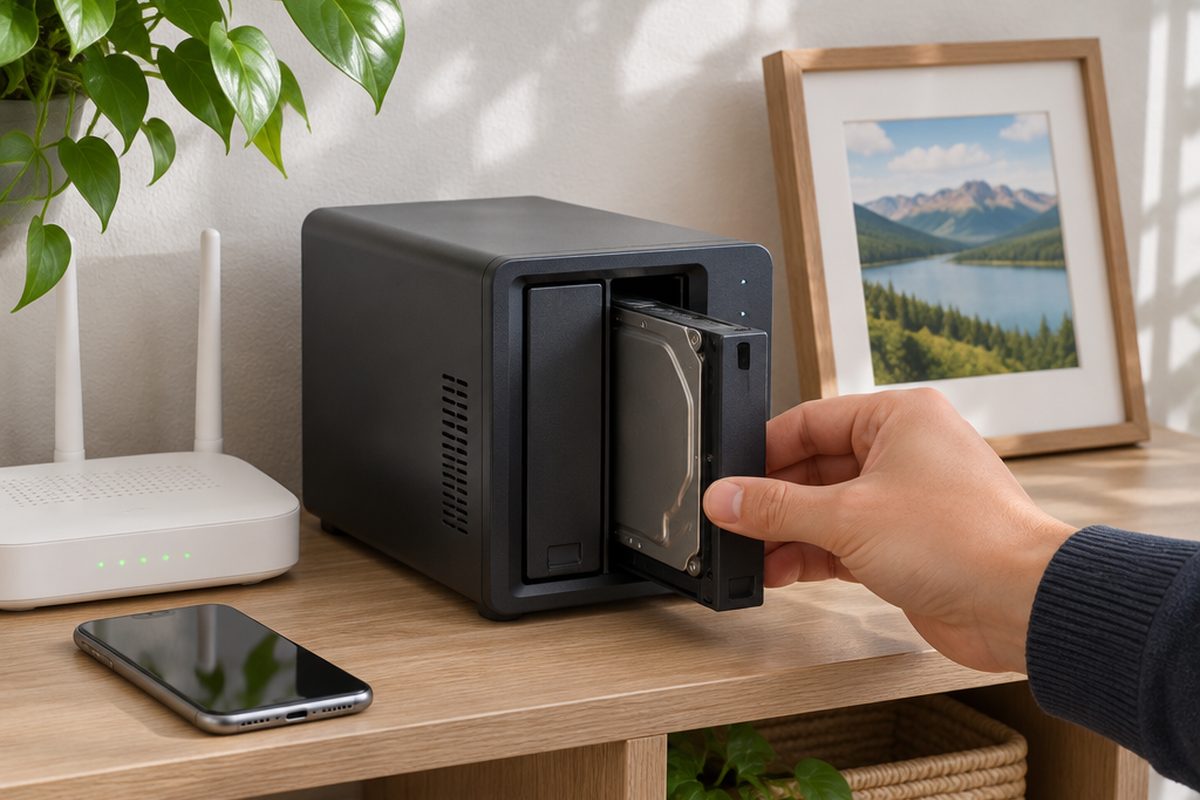 How to set up a home NAS to back up your photos automatically2 hoursSet up a two-drive NAS that backs up your phone photos and computer on its own, with a simple plan for an offsite copy.