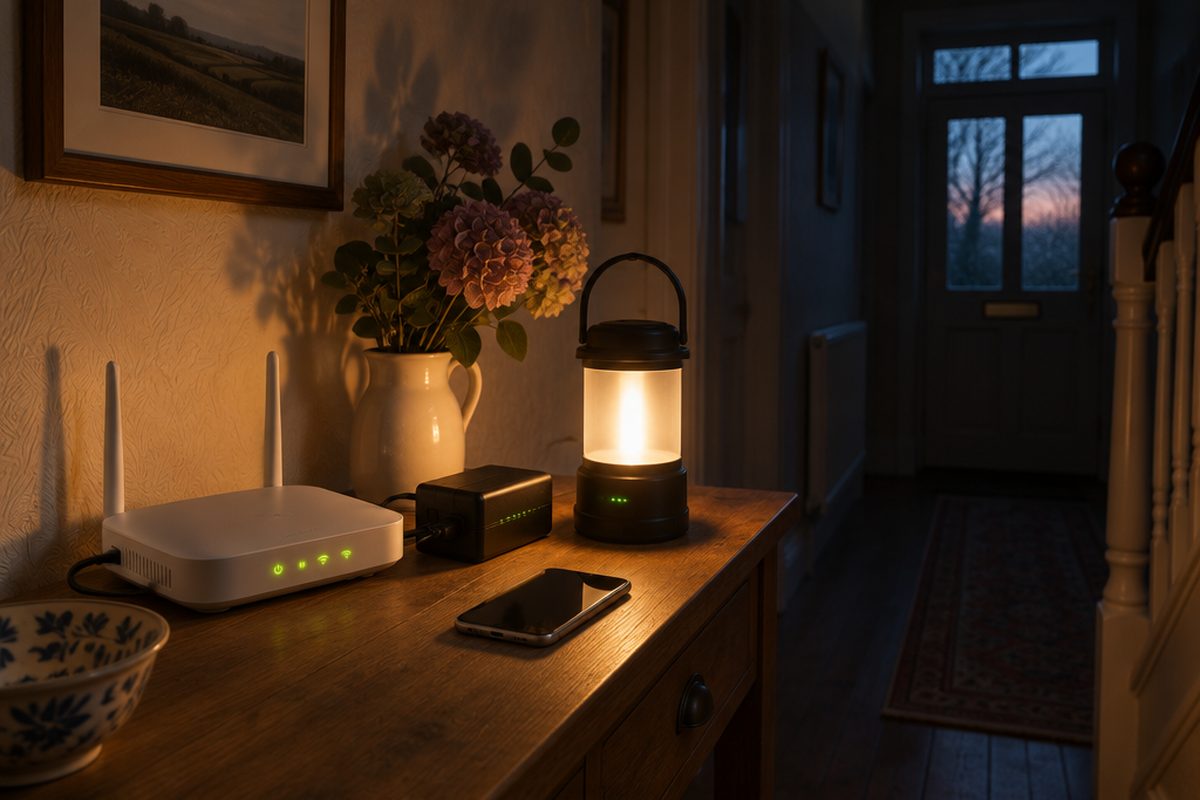
When the power goes, the router goes with it, and so does the Wi-Fi. For many UK homes it now takes the landline too, because digital phone lines run through the router rather than the old copper network. A small battery backup between the wall and the router keeps both going for a few hours, which is long enough for most power cuts.
As an Amazon Associate I earn from qualifying purchases. The buttons below go to Amazon, and I may earn a commission if you buy, at no extra cost to you.
The kit you need
Mini DC UPS for routers
A compact battery that sits between the router's power supply and the router. It must match your router's voltage, so check the label first in step 1.
Small mains UPSoptional
A larger unit with ordinary plug sockets. Choose this if you have more than one box to keep running, or your router needs a voltage a mini UPS does not offer.
Our pick: APC Back-UPS
Power bank for phonesoptional
The router is no use if your phone is flat. A charged power bank in a drawer covers that.
Our pick: Anker 20,000mAh Power Bank
Rechargeable LED lanternoptional
Not tech, but the thing you will actually want first when the lights go out.
Our pick: LE Rechargeable Camping Light
Step by step
Read the label on your router's power supply
Look at the plug-in power supply for the line starting Output. It will say something like 12V 1.5A or 12V 2.5A. Write down the voltage and the amps. A mini UPS must offer the same voltage and at least as many amps. Using the wrong voltage can damage the router.
Count the boxes that need to stay on
Full fibre usually has two boxes: a small white fibre box on the wall, called an ONT, and the router. Both need power for the internet to work. If you have two boxes, either buy a mini UPS with two outputs that match both, or use a mains UPS and plug both into it.
Fit the backup
For a mini UPS, plug the router's own power supply into the UPS input, then run the lead from the UPS output to the router. For a mains UPS, plug the UPS into the wall and plug the router and fibre box into its battery-backed sockets. Leave it to charge fully.
Test it properly
With the router running, switch the wall socket off. The router's lights should stay on without a flicker and your phone should stay on the Wi-Fi. Leave it for a while and note how long the battery lasts, so you know what to expect in a real cut.
Cover the phones
Cordless home phones need mains power for their base station, so add that to the backup or keep a mobile charged instead. Charge the power bank and put it somewhere you will find it in the dark.
Handy extras
Not essential, but people often pick these up at the same time.
- Portable power station
- Wind-up and solar radio
- Rechargeable head torch
- Plug-in power cut emergency light
- USB rechargeable AA batteries
Common questions
Will the internet actually work in a power cut?
Usually, yes. The equipment in the street and exchange generally has its own backup power for a time. It is not guaranteed in a long or widespread cut, which is why a charged mobile is still worth having.
I rely on my landline. Is there anything else I should do?
Tell your provider. In the UK, providers must make sure customers who depend on their landline can call emergency services in a power cut, which often means supplying a battery backup unit free of charge.
How long will a mini UPS last?
It depends on the battery size and how much power your router draws. Many run a single router for a few hours. Test yours so you know the real figure.
More guides
 How to set up mesh Wi-Fi to fix dead spots in your home45 minutesFix weak Wi-Fi upstairs or in the back room with a mesh system. What to buy, where to put each unit and how to set it up with your existing router.
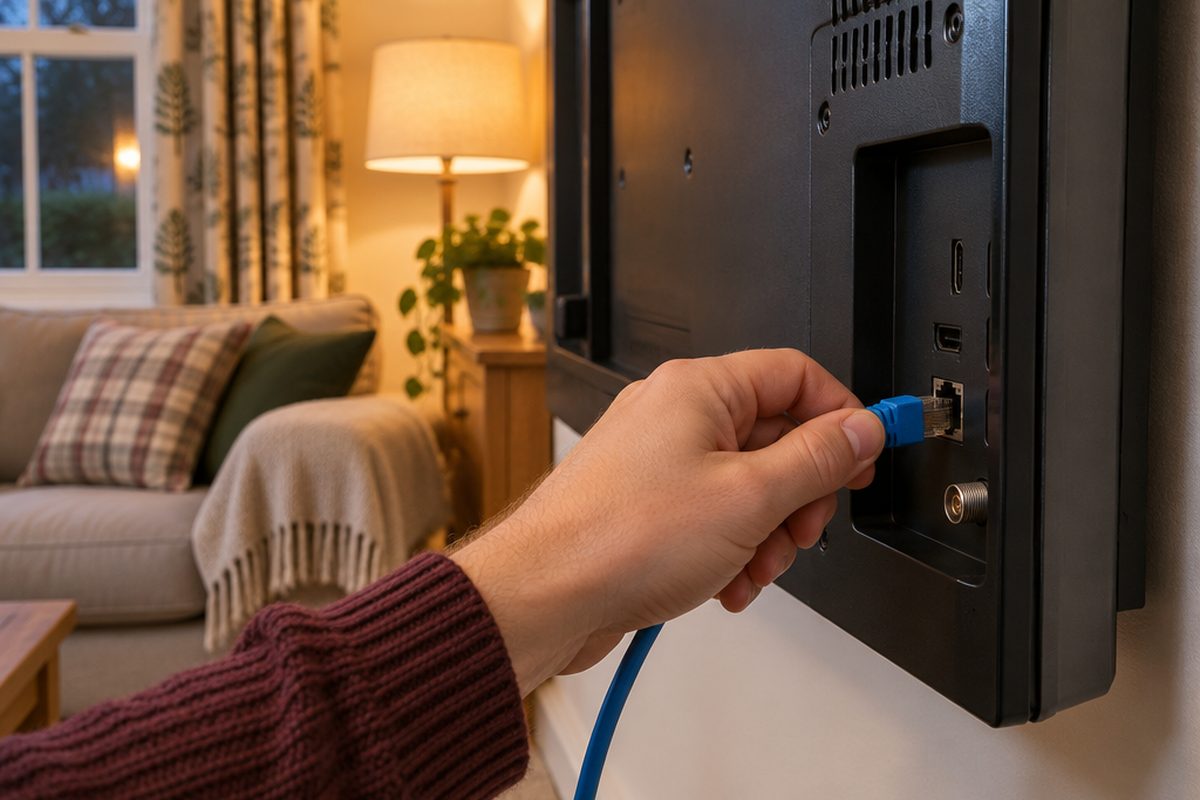 How to stop your TV buffering when you stream30 minutesFix a smart TV or streaming stick that keeps buffering. Work out whether the problem is the Wi-Fi or the TV, then fix it with a cable or a better stick.
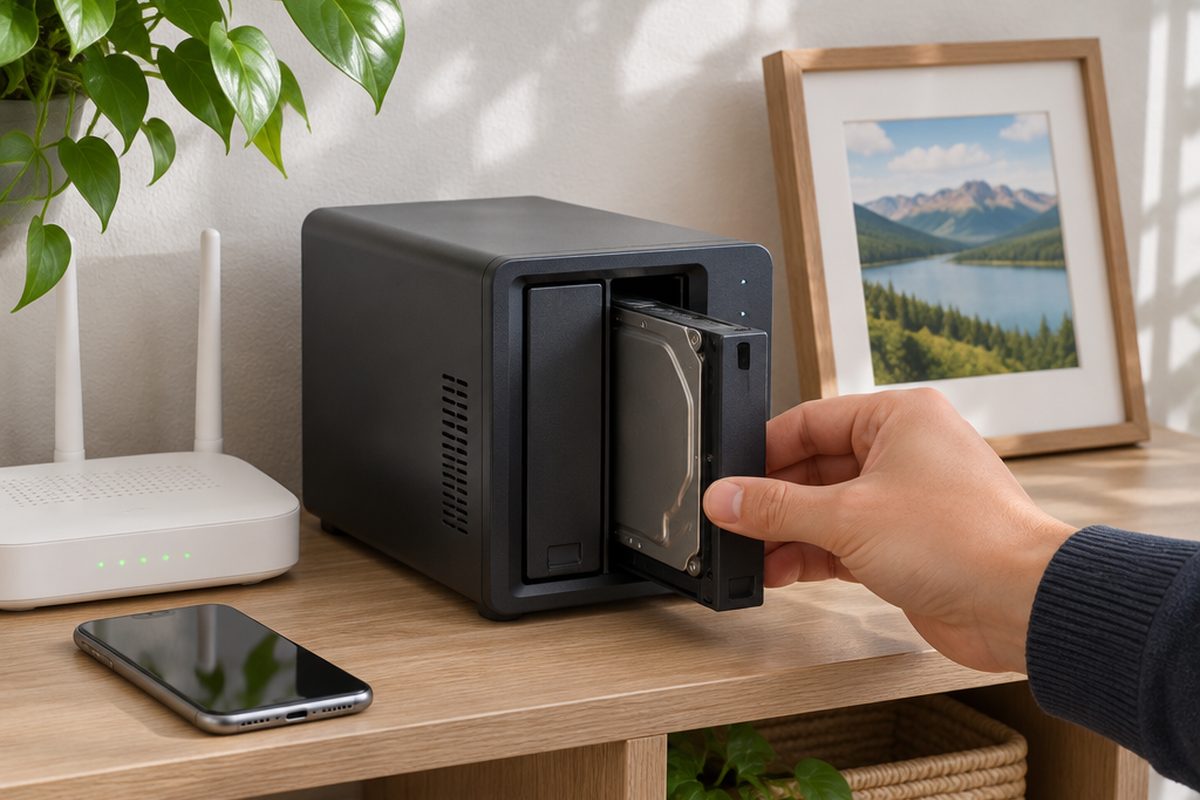 How to set up a home NAS to back up your photos automatically2 hoursSet up a two-drive NAS that backs up your phone photos and computer on its own, with a simple plan for an offsite copy.